


Row Level Security
Rules are enforced in the database, so data you can't access is never returned.
Plan projects, chat in context, and manage your team and leave — on the web and on your phone.
On the weband in the WorkXel mobile app
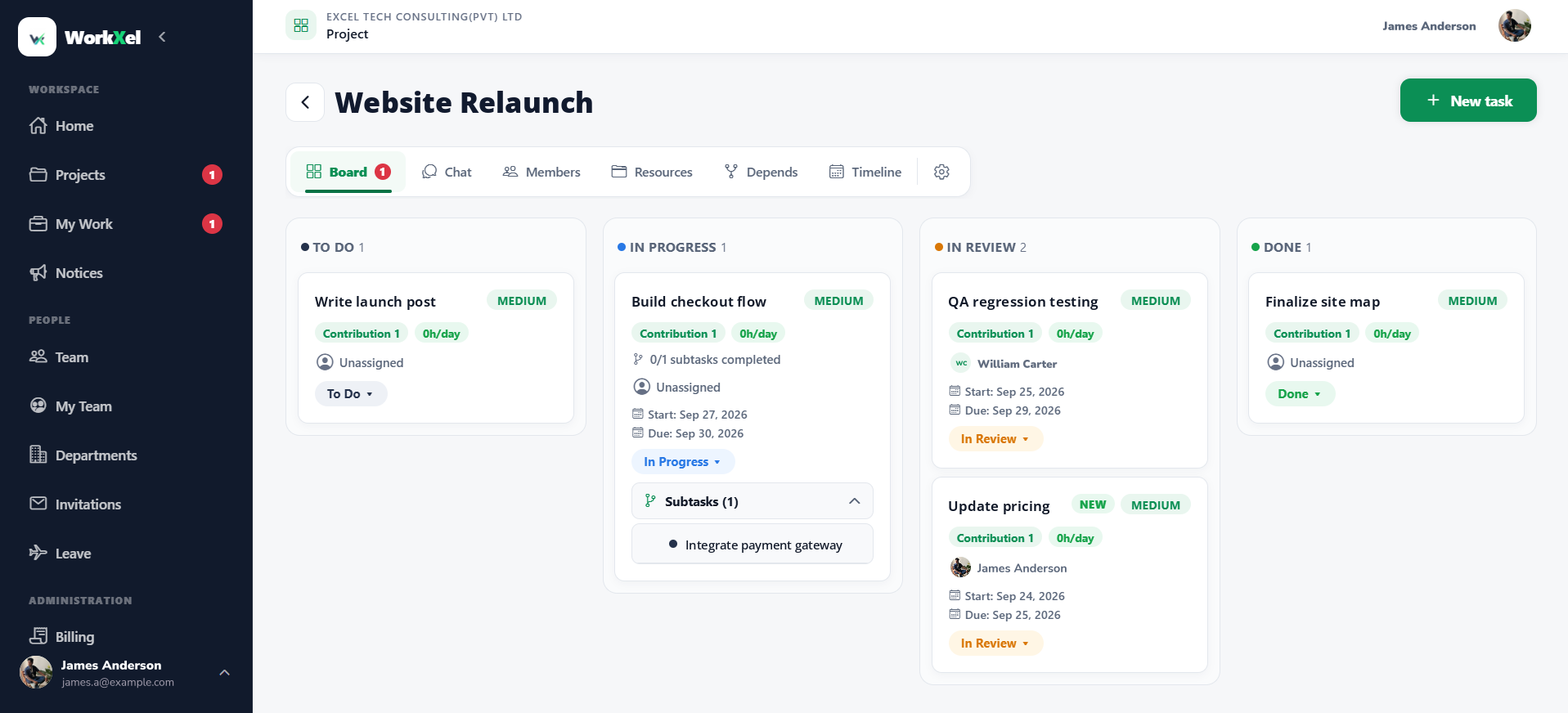
Every task and subtask, from To Do to Done
At a glance
Stop switching between task tools, chat apps and leave spreadsheets.
Boards, subtasks, dependencies and timelines for every project.
Learn moreA chat for every project and a private chat for every task.
Learn moreSee what your people are working on and who has capacity.
Learn moreRequest and approve leave, Work From Home and Work Outside.
Learn moreMembers, roles, supervisors and guests, managed in one place.
Learn moreThe same account and the same work on your phone.
Learn moreProjects & tasks
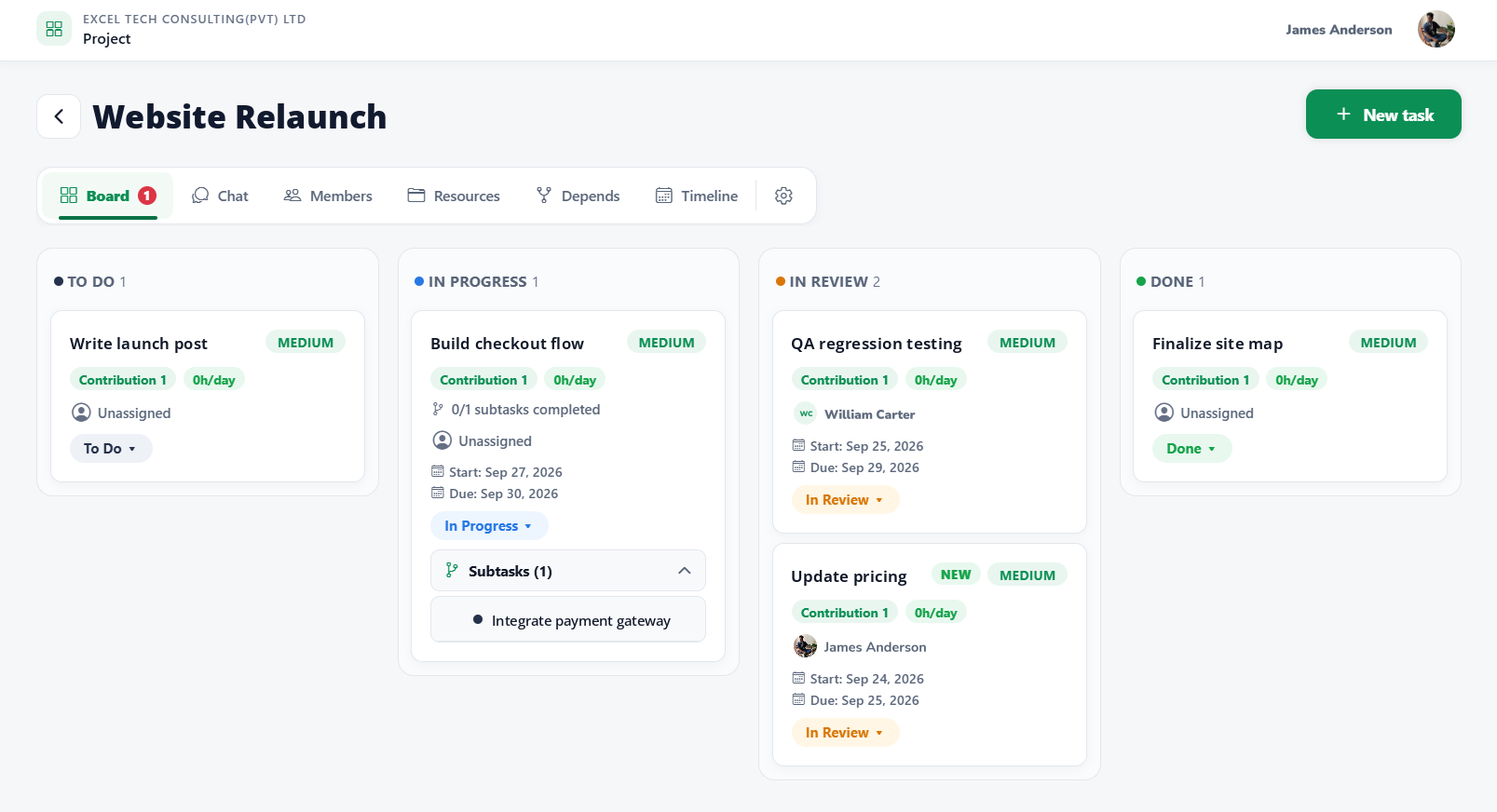
Break work down, link what depends on what, and follow it on the board, timeline or calendar.
Chat in context
Project-wide decisions never bury the detail of a single task.
One conversation for everyone on the project, guests included. With @mentions, files and read receipts.
My Team & leave
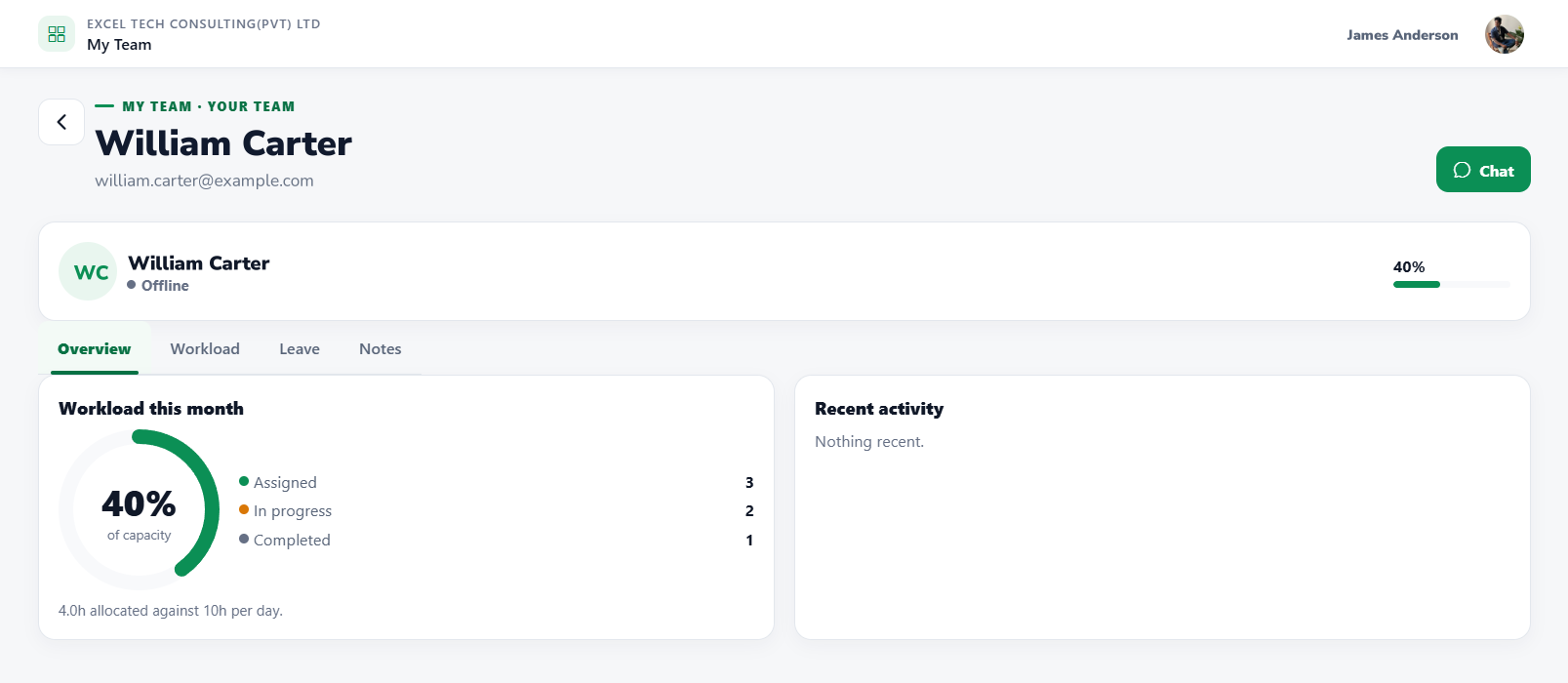
Supervisors see their people's work, availability and requests in one place.
Built for organizations
Members, guests and permissions are part of the platform — not a spreadsheet on the side.
Invite links, join approvals, departments and role-based permissions.
Invite clients or contractors into one project, and nowhere else.
Access control is built into every layer, from sign-in to each database row.
Secure by design
Access control is built into every layer — from sign-in down to individual database rows — so no single check carries the whole load.
Rules are enforced in the database, so data you can't access is never returned.
Guests see only the projects they're invited to — never members, HR records or settings.
Encrypted connections, plus optional encryption for messages, notes and files.
Approvals and key changes record who made them and when.
Mobile app
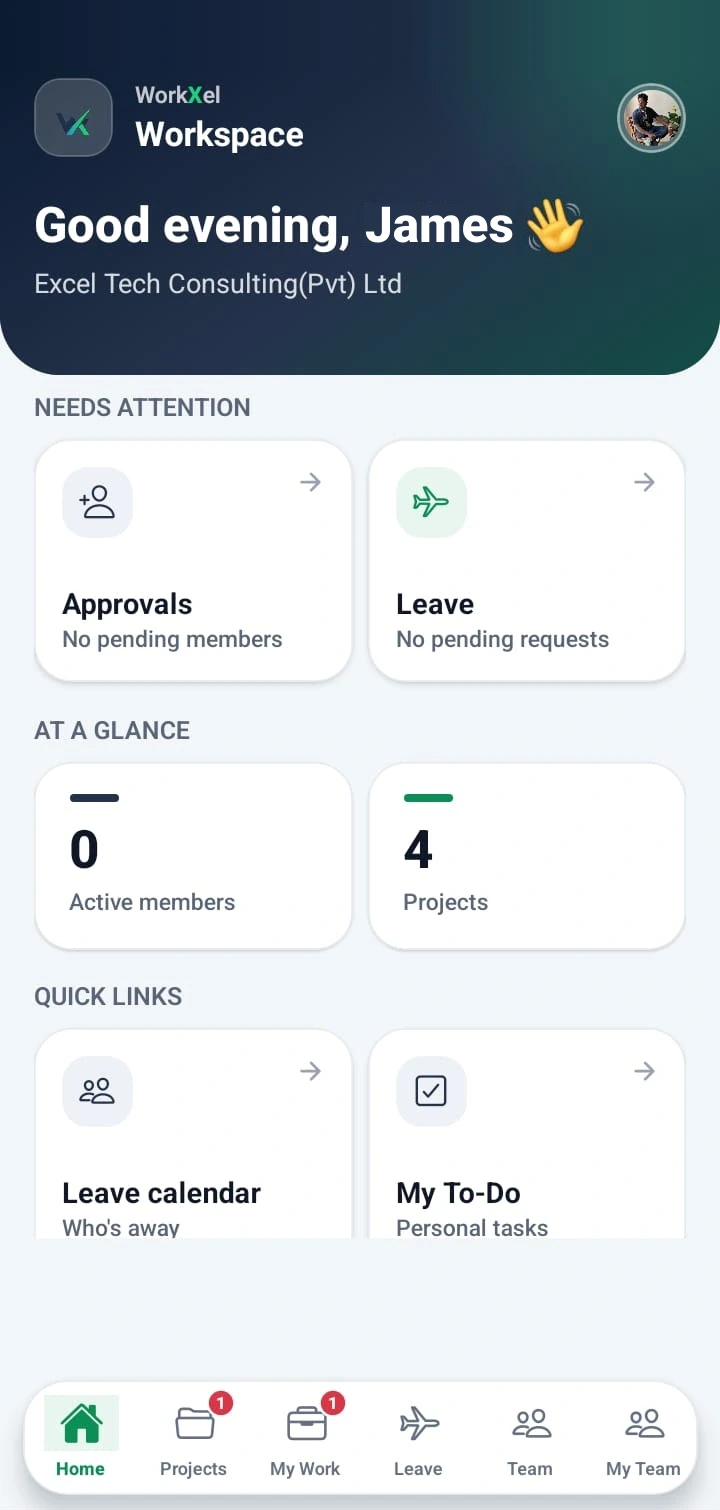
WorkXel isn't only on the web. The WorkXel mobile app puts your projects, your team, and your leave on your phone — so work keeps moving when you're away from your desk.
Opens WorkXel in your phone's browser — same account as the web.
Pricing
Current prices are shown in WorkXel when you set up your organization.
Create your organization. The trial includes users, projects, storage and guests.
Bring in members, set supervisors and start your first project.
Add users, projects, storage or guest access whenever you need more.
FAQ


